
Agent performance dashboards
What this page covers
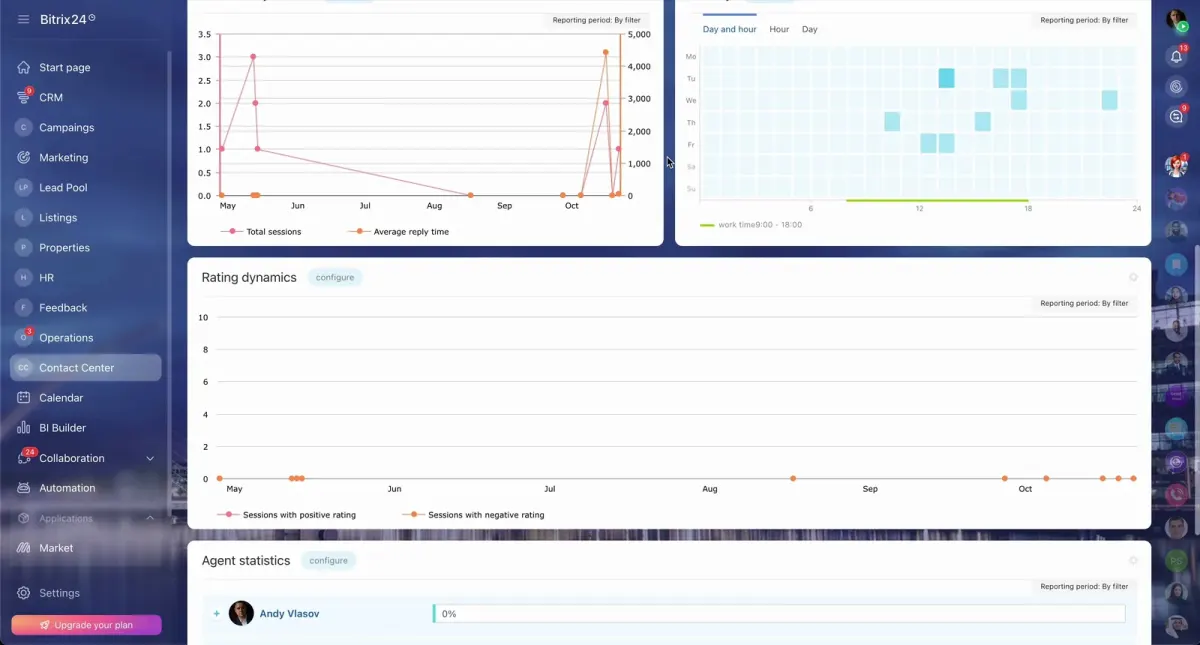
Agent performance dashboards bring agent activity, pipeline stages, and results into one clear view for easier day-to-day review.
This topic helps brokerage teams that need better visibility than spreadsheets and outdated reports can usually provide.
Use the pages below to explore dashboard options for agent performance and the KPIs brokerage teams may want to track.
What to choose
- Choose this topic if management needs a clearer view of agent activity, pipeline progress, and results in one dashboard.
- Choose the focused dashboard page if the main need is to compare productivity across agents and teams with more consistent reporting.
- Choose the KPI page if planning and performance reviews are harder because pipeline health and outcomes are not easy to track.
Where to go next
The pages in this section cover practical dashboard approaches for agent performance and brokerage reporting.
They are designed to help you narrow the topic into a more specific dashboard view or a KPI tracking approach that suits your team.
Pages in this section
What matters
- Bitrix24 official materials relevant to this topic include Contact Center support for WhatsApp integration.
- Bitrix24 official materials relevant to this topic also cover telephony features and integration with telephony providers.
- This topic is presented carefully and does not promise ROI or performance gains without case-specific review.